
Amazon CX Platform
Features
Simplify your Amazon customer service management
Customer Service
Centralized Message Hub
Handle all your Amazon customer messages in a single unified inbox.
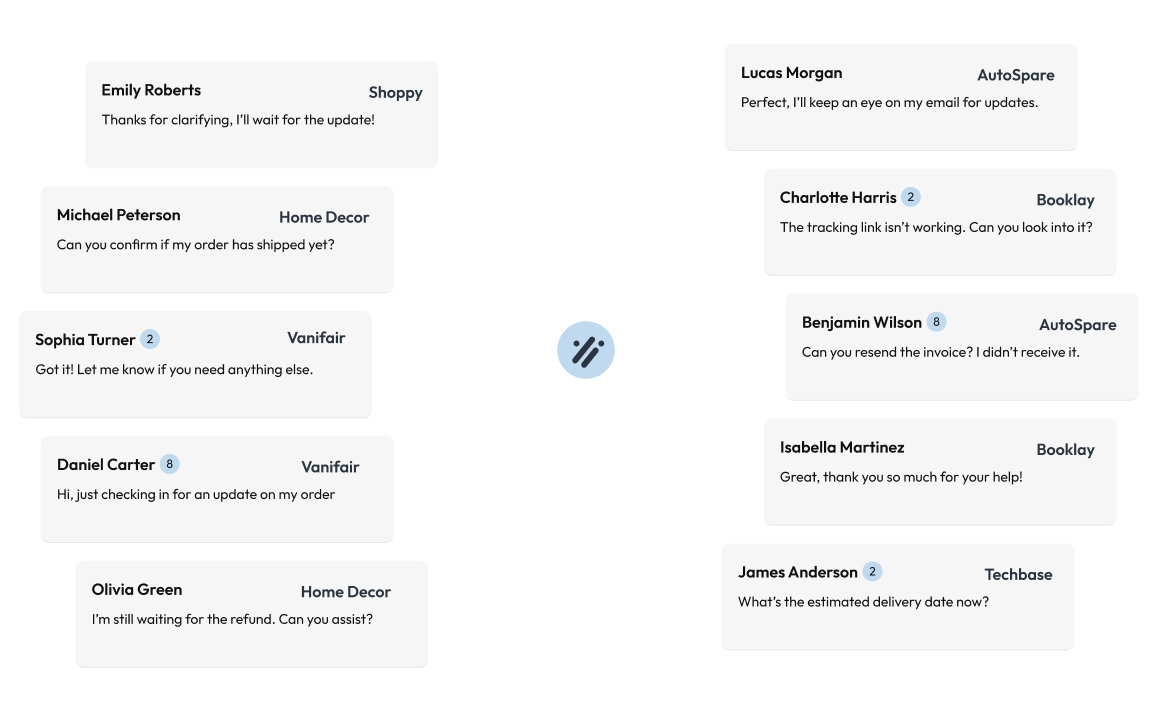
Multi-account and multi-country inbox
View and manage all customer messages from a centralized inbox —regardless of whether you have one, five, or fifty accounts. You can filter by account, country, brand, status, SLA, and even by keywords or customer type.
Roles and permissions
Assign each team member access only to the accounts they need. Ideal for agencies or aggregators with teams segmented by clients or regions.
Quick actions in messages
From the conversation thread itself, you can:
- Issue refunds
- Cancel orders
- Send replacements
- View full order details without switching windows
Translation and templates
- Bidirectional translation (incoming and outgoing).
- Customizable template system with dynamic variables.
- Use of smart hashtags to insert frequently used items, such as the review link, tax info request, etc.
Team collaboration
- Add internal notes and comments to tickets without the customer seeing them.
- Assign users to each case to maintain accountability.
- Full timeline of the conversation and actions taken, so you always have the context at hand.
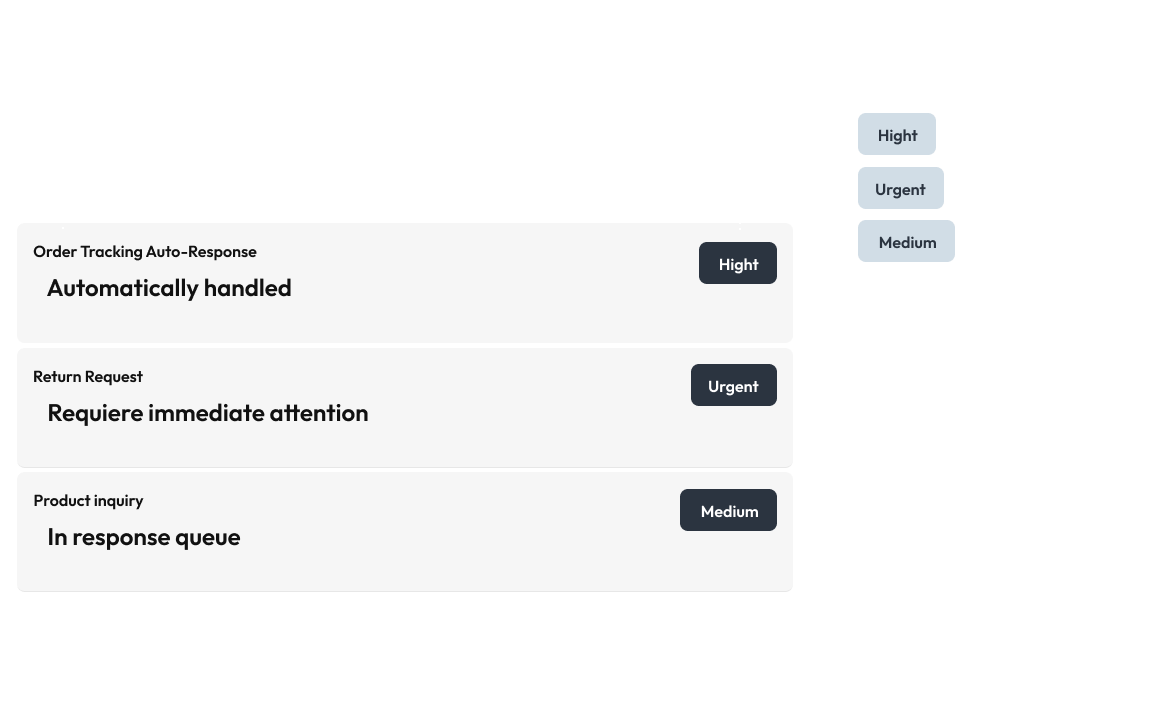
Customer Service
Smart Automation
Auto-responses and priority-based message classification.
Integrated Artificial Intelligence
- Conversation summaries for long threads to save time.
- Automatic message validation to ensure compliance with Amazon’s Terms of Service (TOS).
- Suggested replies ready to send or customize.
- Detection of Common Queries throughout the month so you can proactively improve.
Automations
- Automatic assignment by country, marketplace, query type, etc.
- Automated messages (with a human tone) to reply outside business hours or on weekends.
- Reminders for SLAs and ticket follow-ups.
Customer Service
Reviews Management
Monitor and respond to product reviews to boost your seller rating.
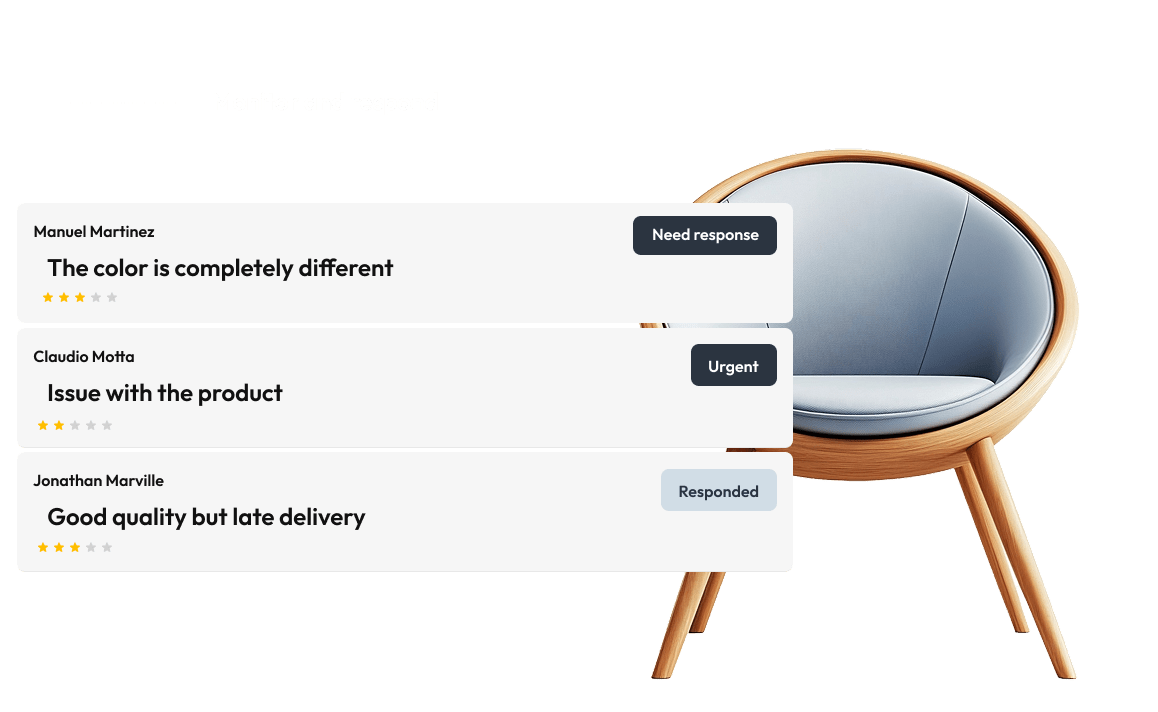
Review Analysis
Analyze all your reviews and your competitors’ reviews, with filters for:
- Date range
- Product or product group
- Country or marketplace
- Metrics such as review-to-order ratio
Ask the AI for an analysis of:
- Best and worst aspects perceived by customers
- Changes in perception after modifications (packaging, listing, etc.)
- Opportunities to improve the product or service
Competitive Review Benchmarking
Compare your products directly with those of your competitors to identify:
- Real competitive advantages
- Quality gaps
- Recurring customer complaints
Automated Outreach for Negative Reviews
- The system detects new negative reviews.
- Sends an Amazon-approved template, 100% ToS-compliant, aimed at resolving the issue — it will automatically appear in your message inbox.
- In many cases, simply providing good post-review support leads the customer to edit or delete their comment.
🚀 Average result: 2 out of 5 negative reviews can be recovered with this feature.
Automated Review Request
- You can enable automatic review requests to be sent a set number of days after delivery.
- Although less effective than doing it via chat, it’s still useful to maintain a steady flow.
Seller Feedback
- Centralized, filterable, and actionable feedback directly from the same inbox.
- Option to request a review from Amazon or contact the buyer directly.
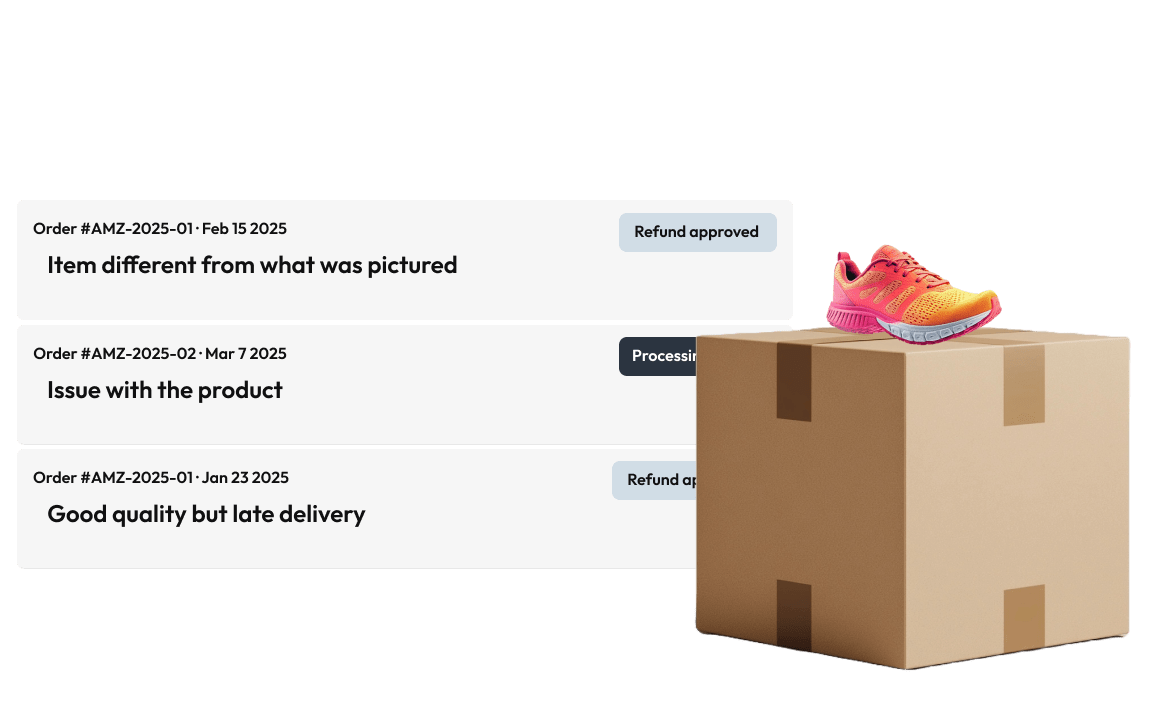
Customer Service
Returns Management
Streamline returns and refunds processing for better efficiency.
Return Analysis
Analyze returns not only through Amazon’s standard reasons but also by leveraging the Customer Comments column, which is much richer and more contextual.
The AI extracts insights such as:
- Expectation gaps between product and description
- Packaging or usage issues
- Recurring failures that can be fixed at the factory or listing level
Detects:
- Return spikes by ASIN or marketplace
- Changes after product updates
Return Authorization (FBM)
- View all open returns
- Track return shipments
- Issue manual or automatic refunds once the product is received
- Manage everything without needing to access Seller Central
A-to-Z Claims and Q&A Alerts
- Sellervate notifies you as soon as an A-to-Z (LG) Claim is filed on any of your accounts.
- You’ll also receive alerts whenever a customer posts a Q&A on your listing, so you can respond quickly and prevent other buyers from getting a negative impression.


